Microsoft Word
Microsoft Word is Microsoft's word processor and part of Microsoft 365. This page explains who it suits and how to get it on Windows.
289.2 MB
Gmail Notifier is an old, tiny Windows tool from Google that showed an icon and alert in the system tray when new Gmail messages arrived.
Average 0.0 · ratings: 0
Thank you! Your rating is saved; you can change it. Could not save the rating. Please try again later. Too many ratings from your network today. Please try again tomorrow. The average appears after 5 ratings.
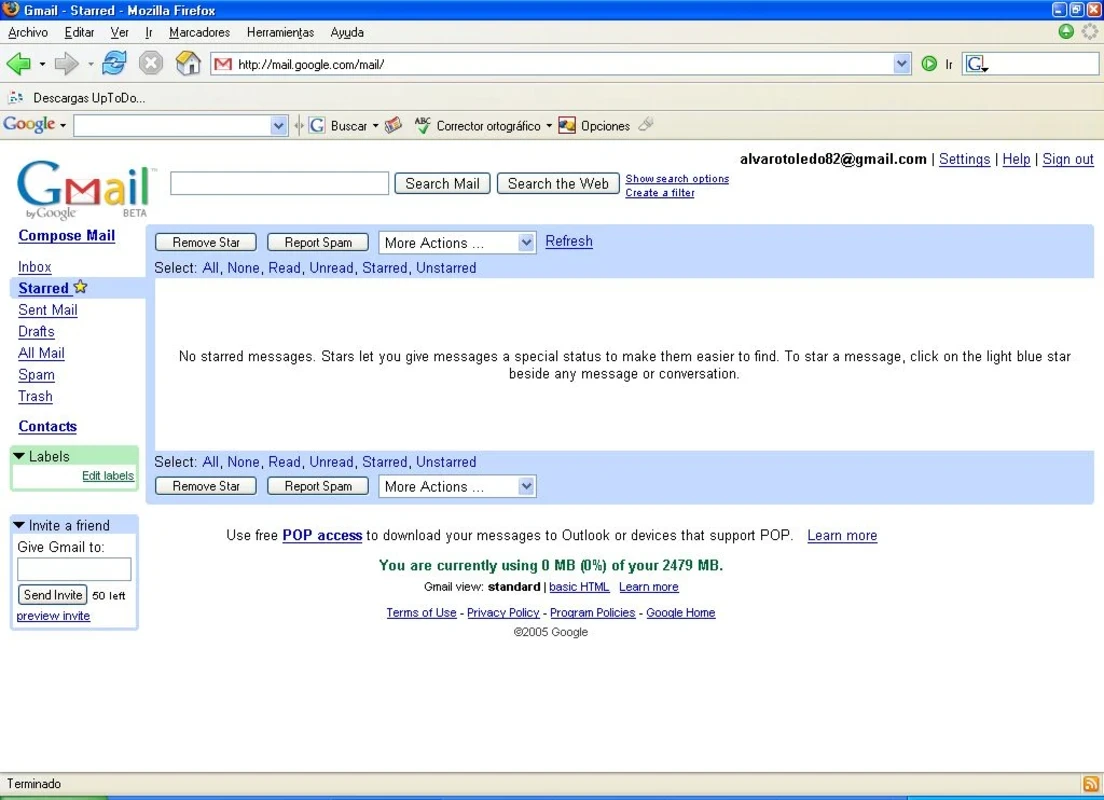
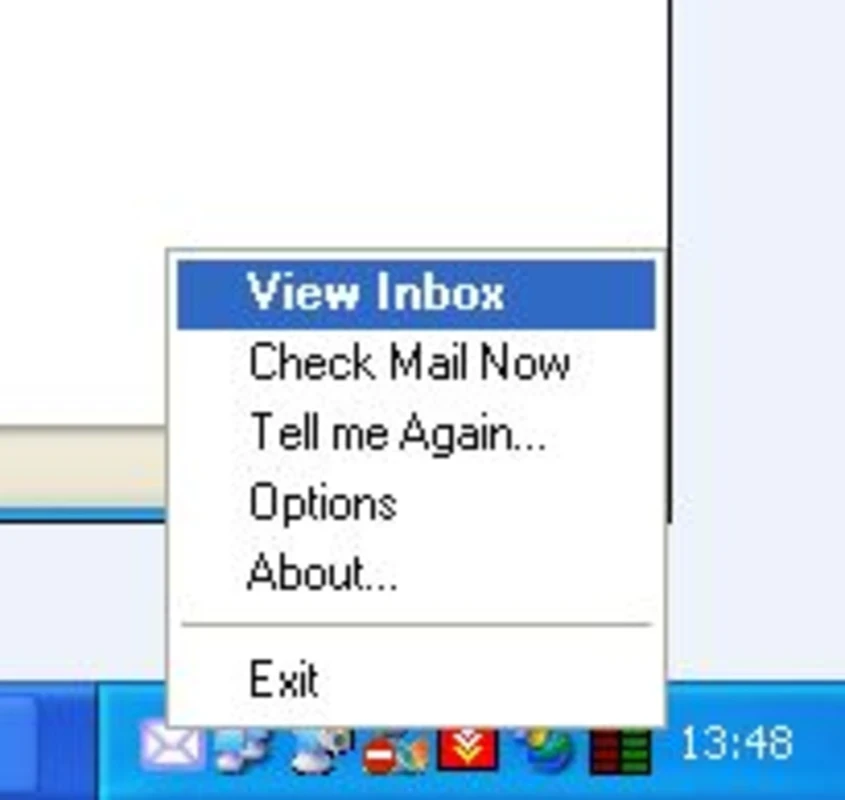
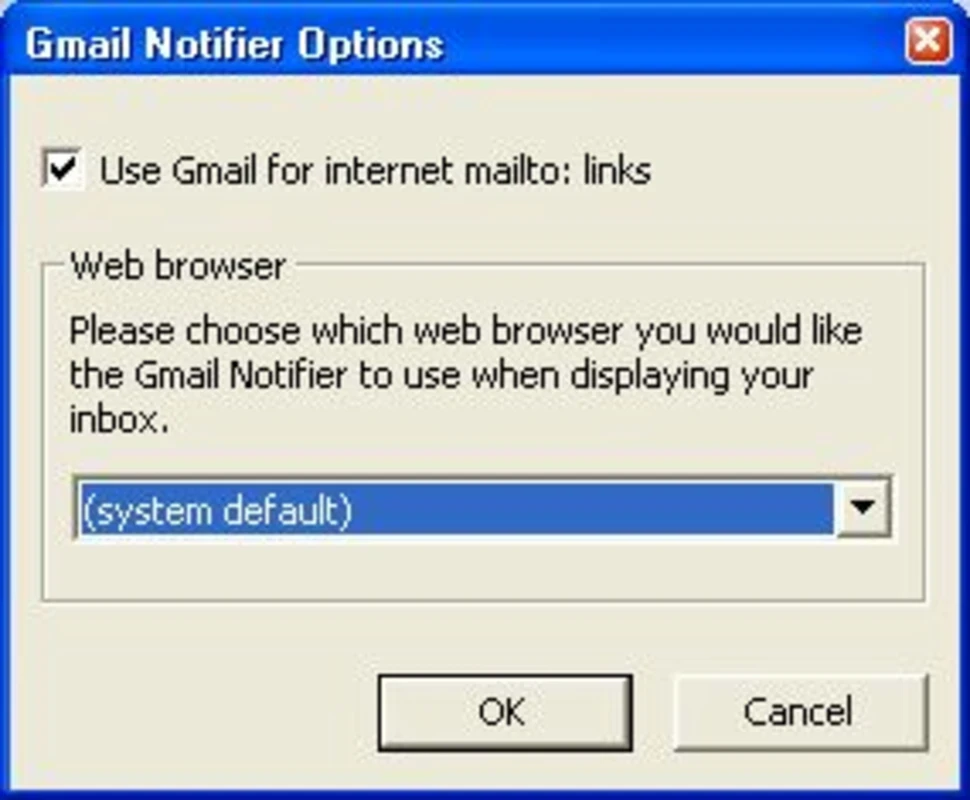
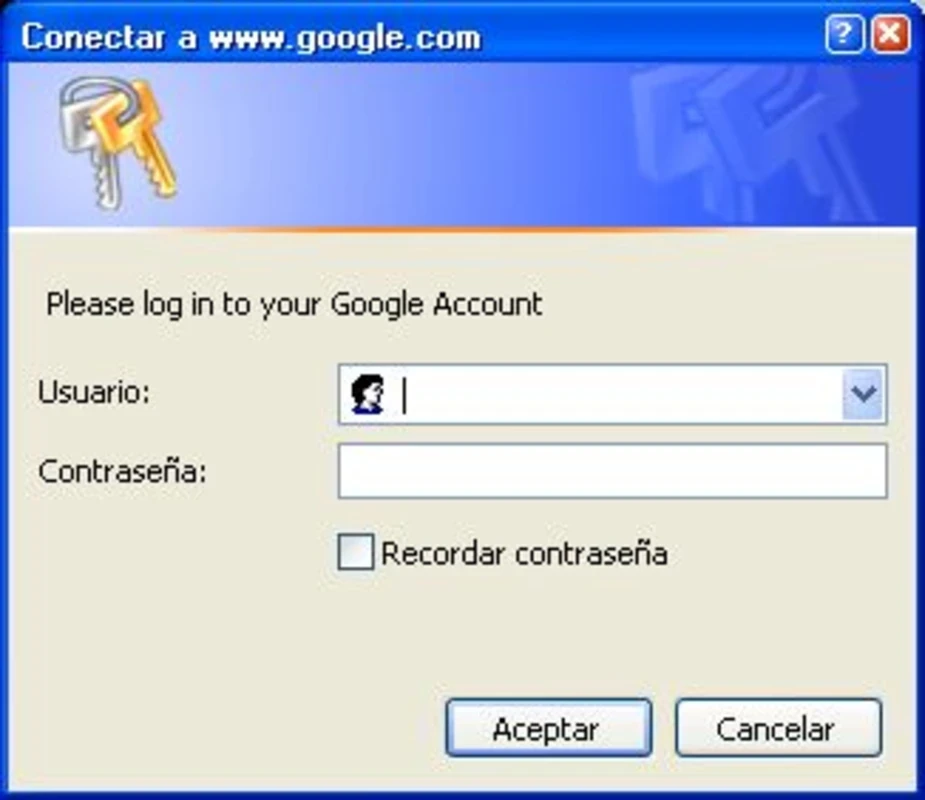
Gmail Notifier 1.0.25.0 is a small Windows utility from Google that sat in the system tray and alerted you when new messages arrived in your Gmail inbox. It is a program from an earlier era of Gmail: Google no longer offers it on an active product page, and it has not been updated for many years. Before you download Gmail Notifier for Windows, consider the modern ways to get the same alerts.
When Gmail was young, most people read email in a desktop program or kept a browser window open all day. Gmail Notifier solved a simple problem: it checked your inbox in the background, changed its tray icon when new mail came in and showed the sender and subject in a small pop-up. Clicking it opened Gmail in the browser. It could also set Gmail as the default program for email links on the PC. The trouble today is sign-in. Gmail has tightened its security over the years with modern sign-in methods and two-step verification, and old programs that log in the way they did at the time are often refused. Expect that the notifier may not be able to connect to your account, and never lower your account's security settings to make an old tool work.
| Item | Details |
|---|---|
| Version | 1.0.25.0 |
| Developer | |
| Platform | Windows |
| Licence | free |
| Size | about 292.27 KB according to catalogue data |
Small tools like this were replaced by features built into browsers and operating systems. Windows has its own notification centre, browsers can show alerts from websites, and mail apps handle several accounts at once. A single-purpose notifier simply has less to offer than it did when it was released.
Only run a copy you can verify, and scan it with your antivirus first: old, popular tools are a favourite disguise for malware on download sites. Do not type your Google password into any program that you are not sure comes from Google. If it cannot sign in, uninstall it rather than changing account security settings.
For email on Windows, our listings include Mailbird and Microsoft Outlook, both of which work with Gmail accounts and show new-mail notifications.
Microsoft Word is Microsoft's word processor and part of Microsoft 365. This page explains who it suits and how to get it on Windows.

Microsoft Office 2010 is an office suite for Windows released in 2010; Microsoft ended its support on 13 October 2020 and recommends Microsoft 365.
Microsoft Office 2019 is a one-time purchase edition of Microsoft's office suite for Windows 10 and macOS, released in September 2018.

Adobe Reader XI (11) is an older version of Adobe's free PDF viewer for Windows; its support ended in October 2017 and Adobe Acrobat Reader is the successor.

Adobe Acrobat Reader is Adobe's free Windows application for opening, reading, printing and commenting on PDF documents.
iLovePDF Desktop is the Windows app of the iLovePDF service: merge, split, compress, convert and edit PDF files on your PC without uploading them.

Microsoft Excel is Microsoft's spreadsheet program for calculations, tables and data analysis. Build 16.0.19725.20152 is a current Windows release.

Microsoft Office 2007 is a Windows office suite released in 2007; its support ended on 10 October 2017, and Microsoft recommends Microsoft 365.